
Yes, blue backgrounds are a standard choice for corporate headshots. They provide a neutral, professional look that contrasts well with most skin tones and clothing, making them common in business directories and LinkedIn profiles.

Why is a blue headshot background so common in business?
The corporate world relies heavily on visual consistency. When a company employs hundreds or thousands of people, maintaining a uniform look on the team directory is essential for brand identity. A blue headshot background provides this consistency without the clinical, sterile feel of pure white or the heavy, dramatic mood of a black backdrop. Blue is universally associated with trust, reliability, stability, and calm—traits that every business wants to project to its clients and partners.
Financial institutions, law firms, and healthcare providers frequently mandate blue backgrounds for their staff directories and ID badges. It is a safe, conservative choice that rarely clashes with corporate branding or logo colors. Furthermore, blue is visually a cool color. In color theory, cool colors tend to recede into the distance, which naturally pushes the warmer tones of the human face forward. This makes the person the undisputed focus of the portrait. When recruiters and clients scan through hundreds of LinkedIn profiles, a clean, professional image stands out immediately. The blue headshot background has essentially become a visual shorthand for professional competence, showing that you take your career and your presentation seriously.
What shades work best for a blue headshot background?

Not all blues send the same message. The specific shade you choose alters the overall impression of the portrait. Selecting the right tone depends on your industry and the personal brand you want to build.
Navy blue is deep and authoritative. It implies seniority, seriousness, and tradition, making it a favorite for executives and lawyers. Slate blue is a muted tone with gray undertones; it feels modern, tech-forward, and sophisticated. Royal blue is bright and energetic, helping the subject stand out with confidence, which is ideal for sales or marketing roles. Light blue or sky blue is open, friendly, and approachable, making it a common choice in healthcare, education, and human resources.
| Shade of Blue | Visual Impression | Best Industries |
|---|---|---|
| Navy Blue | Authoritative, traditional, secure | Law, finance, executive leadership |
| Slate Blue | Modern, sophisticated, neutral | Technology, consulting, architecture |
| Royal Blue | Energetic, confident, bold | Sales, marketing, public relations |
| Light Blue | Approachable, calm, friendly | Healthcare, education, human resources |
If you are preparing headshots for a whole company, ensure everyone uses the exact same color. Mixing navy, royal, and light blue on the same page looks disorganized. You can use a background color changer to guarantee the exact same solid color is applied to every employee's photo.
How do you prepare your photo for a new background?
Before you change the backdrop, the original photo must be solid. AI tools are highly capable, but they work best with high-quality input. Ensure your face is evenly lit. Stand facing a large window to get soft, natural light, which minimizes harsh shadows under your eyes and nose. Avoid overhead fluorescent lights that can cast unflattering green hues on your skin.
Keep your camera at eye level. Shooting from below makes you look imposing and distorts your jawline, while shooting from above diminishes your presence. Use a tripod if possible to keep the image sharp. If you are using a smartphone, use the main back camera rather than the front-facing selfie camera, as the back camera has a better lens and less distortion. Keep your posture straight and lean slightly toward the camera to engage the viewer.
Make sure your file is a JPG, PNG, or WebP, and keep it under 10 MB so it can be processed. People looking for photography tips also look at places like adobe.com, canva.com, or photoroom.com, but the core rule remains the same everywhere: good lighting makes the subject separate cleanly from the original room. The better your original photo, the cleaner the final result will be.
What clothing contrasts well with blue?
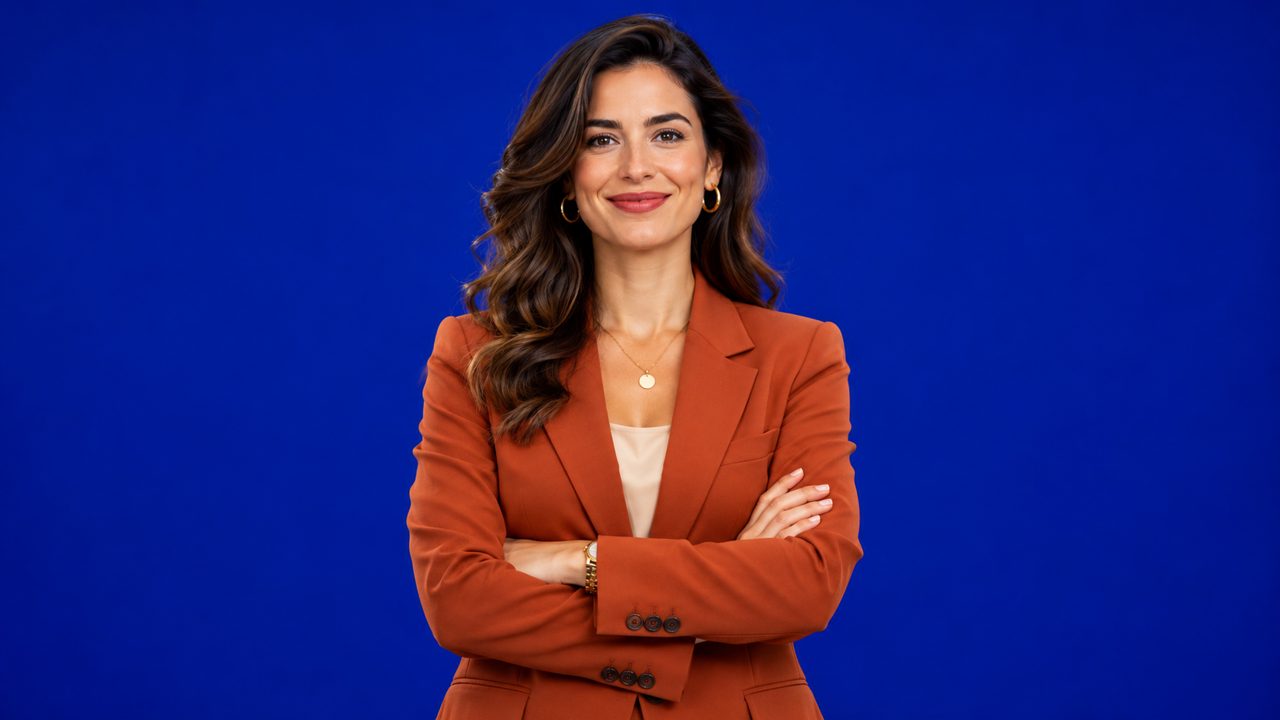
Your outfit must work with the blue backdrop, not fight against it. Because blue is a cool color, warm tones provide excellent contrast. A burgundy tie, a rust-colored blouse, or a tan jacket will immediately draw the eye and create a dynamic image.
If you prefer neutral colors, a crisp white shirt creates a sharp, clean border against any shade of blue. Gray and charcoal suits are the corporate standard; they harmonize with blue without blending into it. Black suits offer high contrast but can sometimes look too severe against a very light blue. Solid colors are generally better than busy patterns for corporate headshots. Stripes, checks, or floral prints can be distracting and sometimes cause moiré patterns on digital screens, pulling attention away from your face.
The most important rule is to avoid wearing the exact same shade of blue as your intended background. If you wear a navy suit, opt for a slate or light blue background. If you wear a light blue shirt without a jacket, a darker navy background will provide the necessary contrast. Wearing the same color as the backdrop can make you look like a floating head, completely ruining the professional effect.
How to make a blue headshot background with Photo Background Changer?
When you are ready to edit, you can make yours using Photo Background Changer. The process is straightforward and designed for quick results. First, upload your image. The site accepts JPG, PNG, or WebP files up to 10 MB.
Once your photo is uploaded, you have four AI modes to choose from. You can describe a new background, pick one of 12 preset scenes, choose white or any solid color, or edit the background the photo already has. For a corporate portrait, choosing the solid color mode and selecting your preferred shade of blue is the most direct route. Alternatively, you can describe a blurred blue office scene if you want realistic texture rather than a flat, solid color. If you ever need a plain white backdrop instead, you can use the white background tool.
Every account gets its first AI edit free. The AI edits are made with gpt-image-2, the image model from OpenAI, and an AI edit usually takes under a minute. If you need to process more photos, a one-time $5 purchase adds 1,250 credits, enough for ten AI edits (each AI edit costs 125 credits, or $0.50), with no subscription. Credits for an edit that fails are returned, and a failed free edit can be tried again.
If you prefer to add the blue background yourself in another design program, you can use the transparent background maker to remove the background to a transparent PNG. This is free, runs in the browser with no sign-in, and the photo is never uploaded. The transparent PNG keeps the pixel size of the photo; only very large photos, beyond what a browser can draw on one canvas, are scaled down.
What are common mistakes when editing corporate portraits?
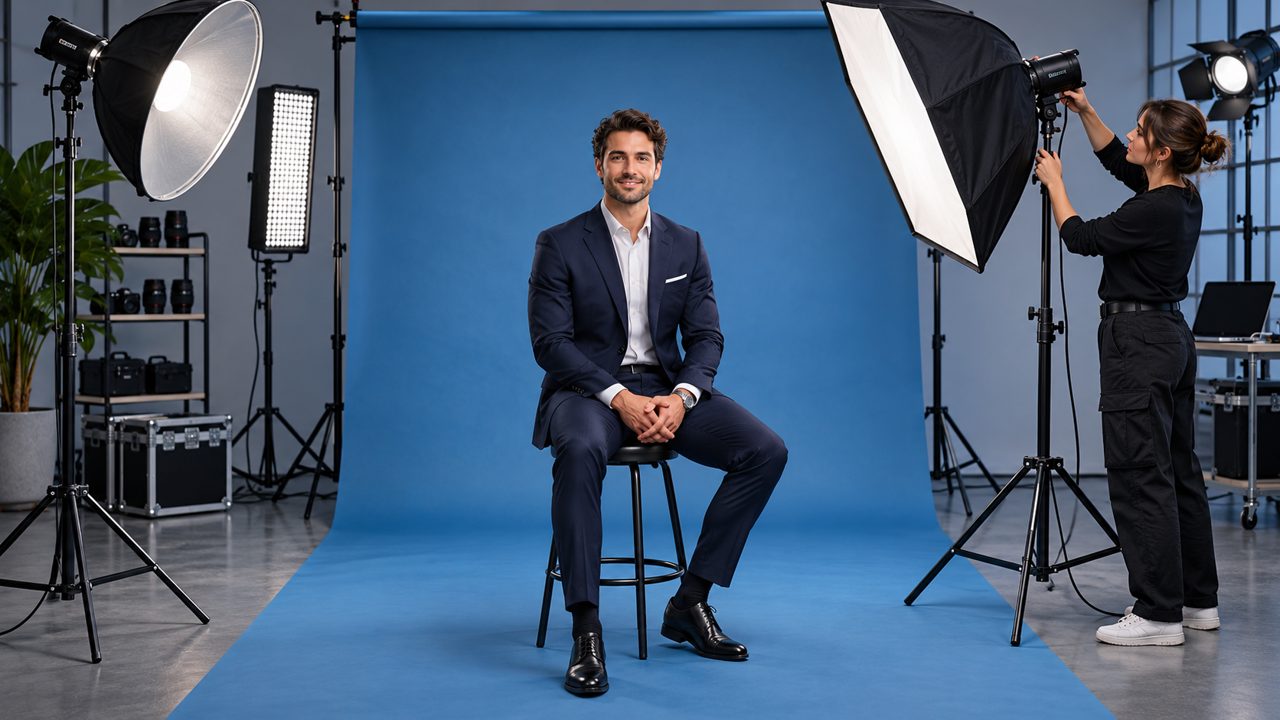
A frequent mistake in corporate headshots is over-editing the face while ignoring how the subject integrates with the new background. If you cut yourself out of a dimly lit room and place yourself on a bright sky-blue background, the lighting will not match, and the photo will look artificial. Always try to match the brightness of your chosen blue to the lighting on your face.
Another common mistake is poor cropping. A corporate headshot should typically show your head and shoulders, cutting off around the mid-chest. Leaving too much empty blue space above your head makes you look small and distant. Conversely, cropping too tightly can make the image feel claustrophobic.
Be mindful of stray hairs. While AI is excellent at masking, flyaway hairs can sometimes create a messy edge. Smoothing your hair before taking the photo saves time and ensures a sharper cutout. Also, remember that the free transparent PNG is made for photos of people; for products and pets, a white or solid color background in Color mode is cleaner.
Finally, consider privacy when handling employee photos. With Photo Background Changer, uploaded photos are never used to train AI models and are deleted within 30 days on request. If you use the free transparent PNG tool, the photo never leaves your device at all, ensuring complete privacy for your corporate team.
Frequently asked questions
How long does it take to make a blue headshot background?
Creating a blue headshot background with an AI edit usually takes under a minute. The AI uses gpt-image-2 from OpenAI to process the image quickly.
Is it free to create a blue headshot background?
Every account gets its first AI edit free to create a blue headshot background. After that, a one-time $5 purchase adds 1,250 credits, which is enough for ten AI edits with no subscription.
What file types can I upload for a blue headshot background?
You can upload photos in JPG, PNG, or WebP formats up to 10 MB. If an edit fails, the credits are returned, and a failed free edit can be tried again.