
Plain white, nothing else
Make Background White in Any Photo
Upload a photo and AI puts the person or product on pure, evenly lit white, with a soft shadow where it stands. First AI edit free, then $0.50.
A clean, solid background
First AI edit free · then $0.50 an edit · no subscription
Upload a photo to start, or try the sample portrait. White is already chosen.
Example: White background
Real result · drag to compare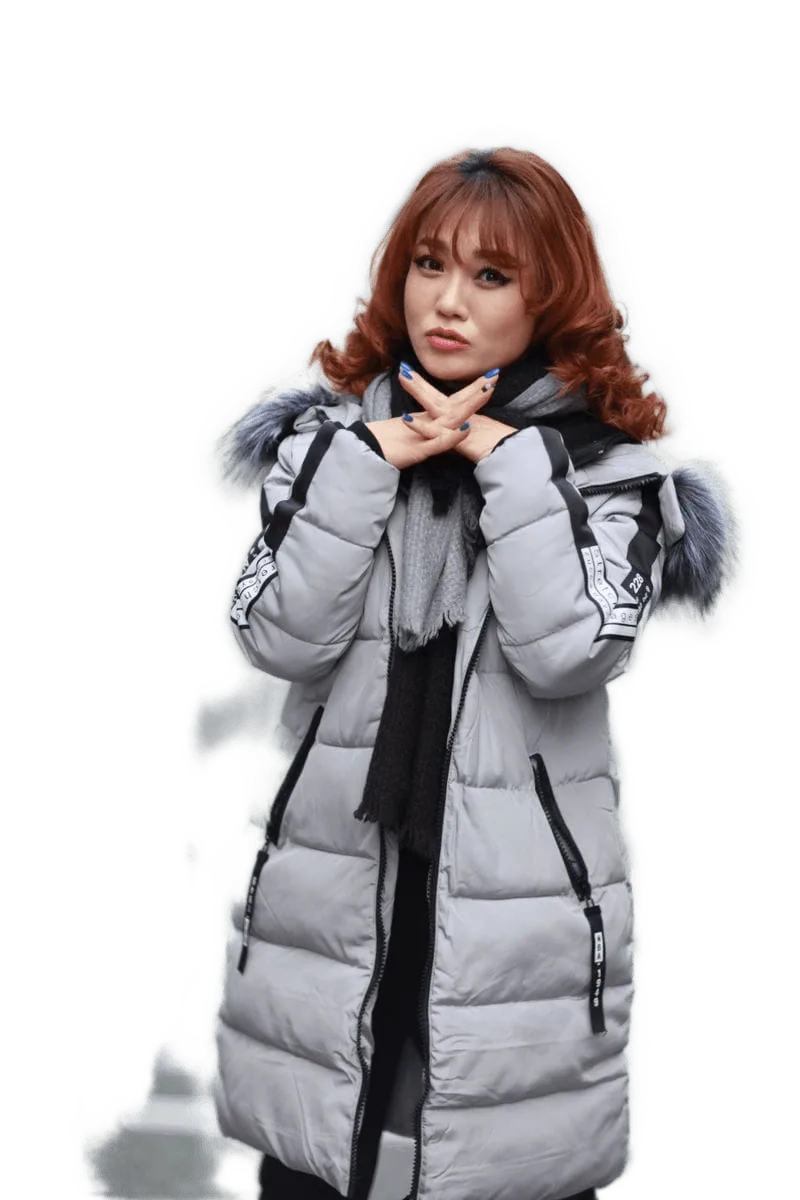
From a busy street to clean white
Make background white: before and after
Drag across each picture to compare. One a portrait, one a product: Color mode with White works on both.
- BeforeAfter

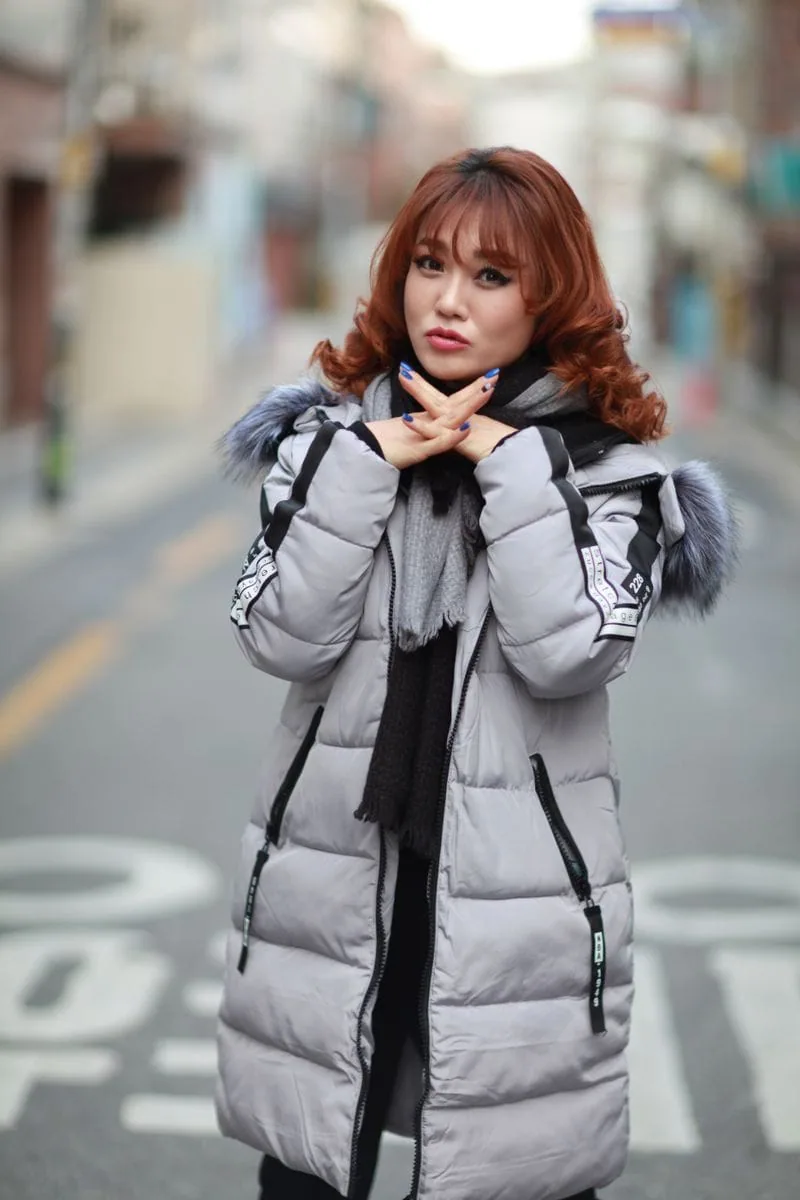
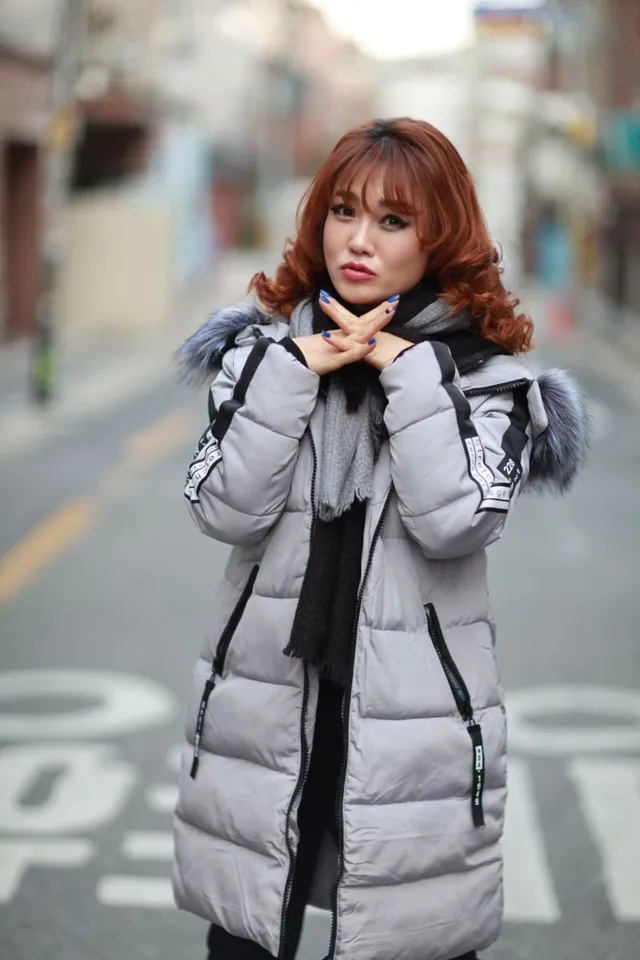
A street portrait on pure white
Color mode with White: the cars, buildings and road are gone, and the woman, her coat and her hair stay the same, ready for a profile, a CV or a team page.
- BeforeAfter
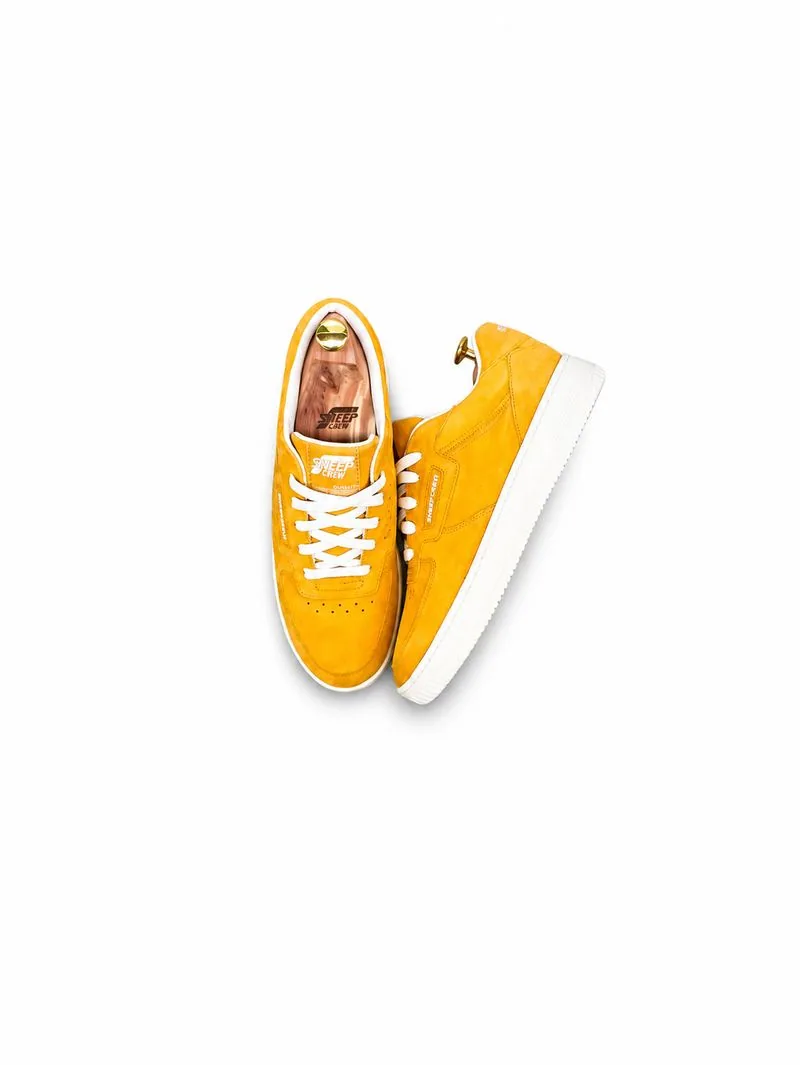
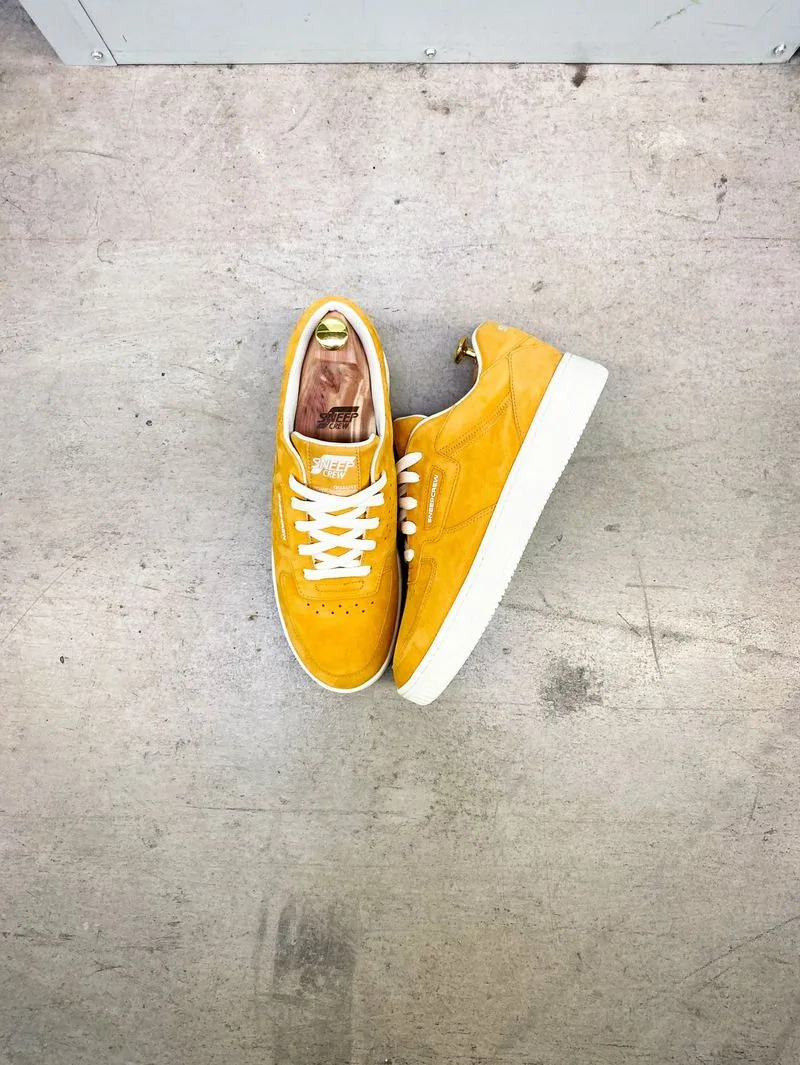
A product photo on pure white
The same Color mode with White on a pair of sneakers photographed on a floor: the old surface is gone, the shoes keep their shape, colors and laces, and a soft contact shadow keeps them from floating. This is the look a marketplace listing asks for.
- BeforeAfter
Need nothing behind instead?
For a portrait you want to place on your own design, Remove BG makes a transparent PNG in your browser, free and with no sign-in.
The portrait is "Portrait of a Woman in a City" by 거열 박 on Pexels (pexels.com/@geoyul); the sneakers are "A Pair of Beautiful Sneakers on the Floor" by Sneep Crew on Pexels (pexels.com/@sneepcrew). The white results are single, unretouched AI results, scaled to each photo's size for the slider. The transparent PNG is the free in-browser cut-out as it came out, made with MODNet, the engine most devices run.
Usually under a minute
How to make background white in four steps
- 01
Upload the photo
A JPG, PNG or WebP up to 10 MB: a portrait, a selfie, a product or a pet. A sharp subject that stands apart from what is behind it gives the cleanest edges.
- 02
Keep White selected
This page opens the studio in Color mode with White already chosen. Light gray, black, passport blue, red, cream and any color you pick are one tap away.
- 03
Press Try free
Sign in when you press it, and your photo and choice wait for you. Your first AI edit is free; after that an edit is 125 credits, which is $0.50.
- 04
Compare and download
Drag across the result to compare it with your photo, check the hair and edges, then download it. Every AI edit stays in My edits.
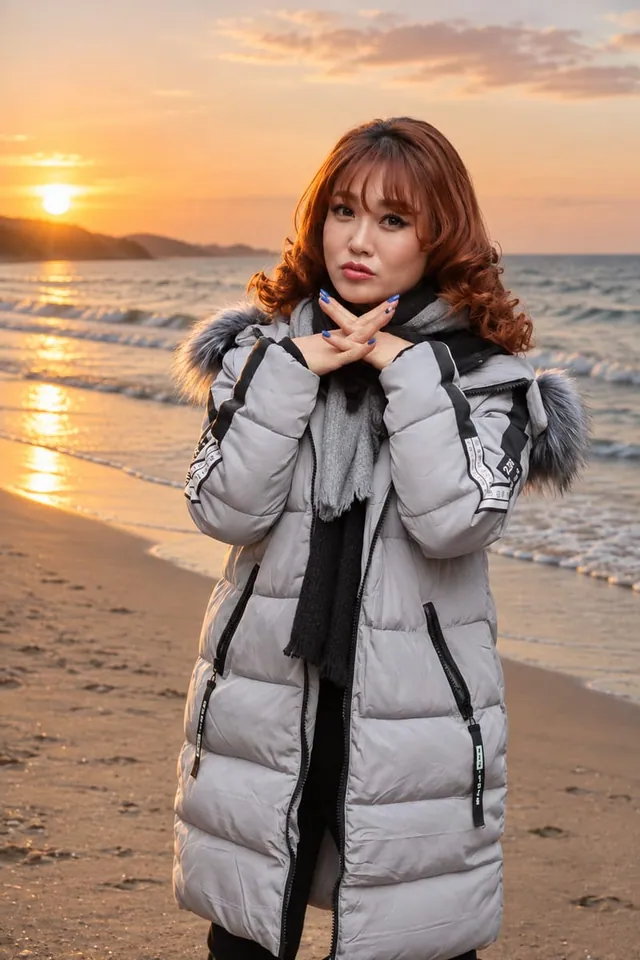
Clean white, no studio
Why people make the background white
A white backdrop used to mean a studio, a roll of paper and lights. These are the photos people put on white instead.
- 01
White background for product photos
Put a product shot taken on a desk or a kitchen counter on pure white, with a soft contact shadow under it, for a shop, a catalog or a marketplace such as Amazon. Each marketplace sets its own image rules, so check them before you upload.
- 02
A profile, CV or team page photo
Turn a portrait taken at home or on the street into a clean headshot on white for LinkedIn, a CV, a staff page or a speaker bio.
- 03
Passport and ID style photos
Many ID photos ask for a plain light background. Make it white here, or see the passport photo background page for white, light gray and passport blue; size, framing and what counts as a valid photo are the office's to decide.
- 04
A clean base for a design
A subject on white drops easily into a flyer, a slide or a menu with a white page, with no edge of the old background to hide.
- 05
Matching photos for a set
Give a team, a product range or a series of items the same white background so they look like one shoot on a page or a grid.
- 06
Another color instead of white
When the brand, the form or the design asks for light gray, black, blue or any other solid color, the background color changer does it in the same studio.
For clean edges
Tips to make background white cleanly
- 01
Start from a sharp, well-lit subject
A subject in focus, with its outline clearly apart from what is behind it, keeps clean hair and edges on white. Heavy blur or a subject that blends into the background is harder.
- 02
Light clothes and white products need contrast
A white shirt or a white product on white can lose its outline. Light gray in the same Color mode keeps the edge visible while still looking clean.
- 03
Check the face, the hair and the shadow
AI image models can change a small detail. Compare with the slider, look at the face, hands and hair, and run the edit again if something is off.
- 04
For an ID photo, follow the office's rules
The editor changes the background only. Head size, crop, expression and print size come from the office's rules; check them before you submit the photo.
One-time, no subscription
Make background white: first edit free, then $0.50
Every account gets one free AI edit. After that, each AI edit is 125 credits, which is $0.50, and a one-time $5 purchase adds 1,250 credits: ten edits.
- First AI edit free for every account, no card needed
- 125 credits ($0.50) for each AI edit after that
- $5 one-time for 1,250 credits: ten edits, no subscription
- Credits come back when an edit fails
- Transparent PNGs of people: free, in your browser, no sign-in
Make background white: questions and answers
How do I make the background of a photo white?
Upload the photo on this page, keep White selected in Color mode and press Try free. AI replaces everything behind the subject with plain, evenly lit white and keeps the person or product as it is. There is no selecting or masking by hand and nothing to install.
Can I make background white for free?
Your first AI edit is free: sign in when you press Try free, no card needed. After that each AI edit costs 125 credits ($0.50), bought as a one-time $5 pack of ten edits, with no subscription.
Is the background pure white?
The edit asks for pure white (#ffffff), evenly lit, with no texture, gradient, objects or vignette. Where the subject stands or rests on a surface, a soft, natural contact shadow is kept so it does not look pasted on.
Can I make background white for a passport or ID photo?
You can put the portrait on white, and many ID photos ask for a plain light background. The rules for size, framing and what counts as a valid photo belong to the office you send it to, so check them first. Some forms ask for a color other than white; the passport photo background page covers passport blue, light gray and any color you pick.
Can I make a white background for product photos?
Yes. Products and pets work in Color mode, and white is the usual choice for a shop or a catalog. The edit asks the model to keep the product's shape, colors, text and edges, with a soft contact shadow where it rests. A white product on white can lose its outline; light gray keeps it visible.
Can I make background white for Amazon product photos?
You can put a product on pure white (#ffffff) for an Amazon white background or another marketplace listing. We do not check a photo against any marketplace's rules: each marketplace sets its own requirements for product images, so read its image rules before you upload.
Will the person or product change?
Every edit asks the model to keep the subject exactly as it is: the same face, pose, hair, clothes, shape, colors, text and edges, in the same place in the frame. AI image models can still change a small detail, so compare with the slider before you use the photo.
What photos can I use?
Any JPG, PNG or WebP up to 10 MB of a person, a pet or a product. A sharp subject that stands apart from the background gives the cleanest edges. Upload only photos you have the right to use.
How long does it take to make the background white?
An AI edit usually takes under a minute. You do not have to keep the page open: the result appears when it is ready and is saved in My edits.
Can I get a transparent background instead of white?
For photos of people, yes: Remove BG cuts the person out in your browser and saves a transparent PNG for free, with no sign-in. For a product or a pet, white or another solid color in Color mode is the cleaner result.
Are my photos private?
Photos you upload for an AI edit and their results are stored at long, unguessable addresses and are not listed anywhere, and we do not use them to train AI models. Write to contact@photo-background-changer.com and we delete them within 30 days.
Same studio, other backgrounds
Other ways to change a photo's background
- Background color changerLight gray, black, passport blue, red, cream or any color you pick behind the subject.
- Transparent background makerCut a person out of a photo to a transparent PNG, free and in your browser.
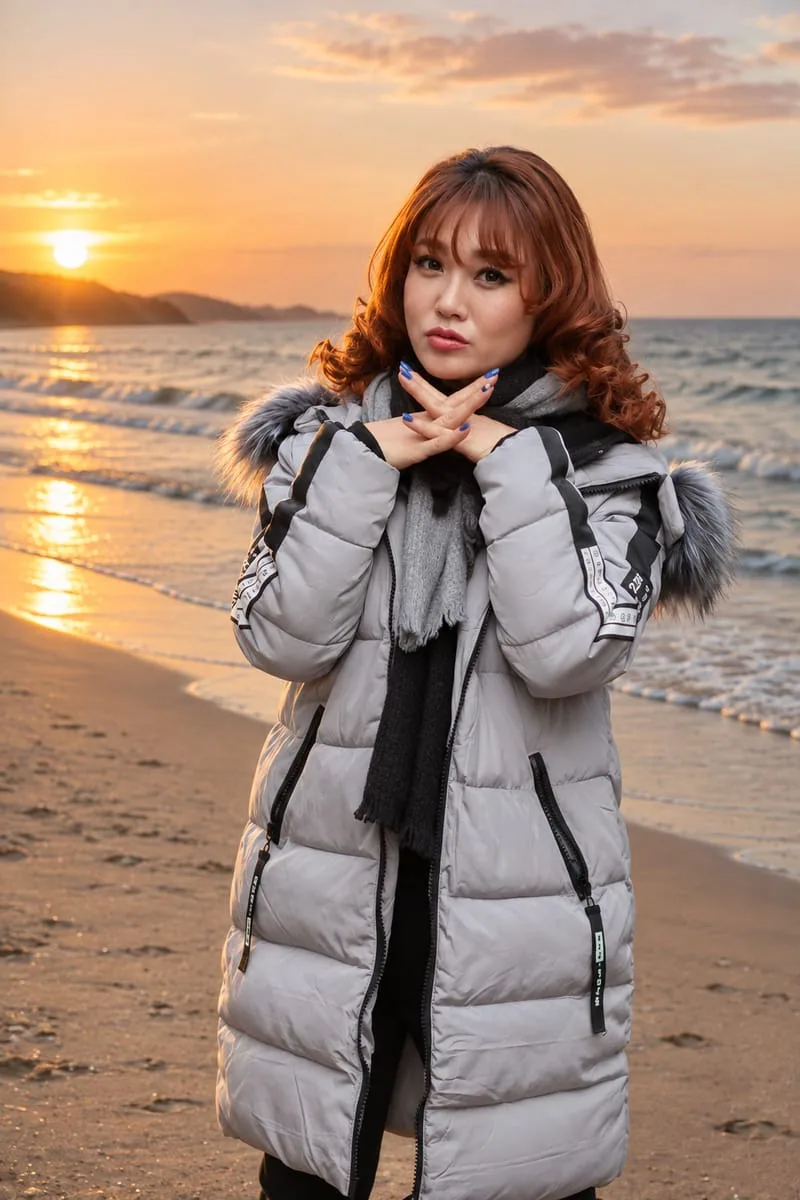 Photo background changerDescribe any place, pick one of 12 scenes, or edit the background you have.
- Passport photo white backgroundPut an ID or passport photo on white, light gray or passport blue, then check the office's rules.