
Free transparent PNG maker
Transparent Background Maker, Free in Your Browser
Upload a photo of a person and the AI cuts them out on your device, then saves a PNG with nothing behind them. Free, no sign-in, and the photo is never uploaded. Made for portraits; for products and pets, use a white or solid color.
Remove the background, free
Free · runs in your browser · best on people
Upload a photo of a person to start, or try the sample portrait.
Removing the background is free and runs in your browser
Example: Transparent PNG
Real result · drag to compare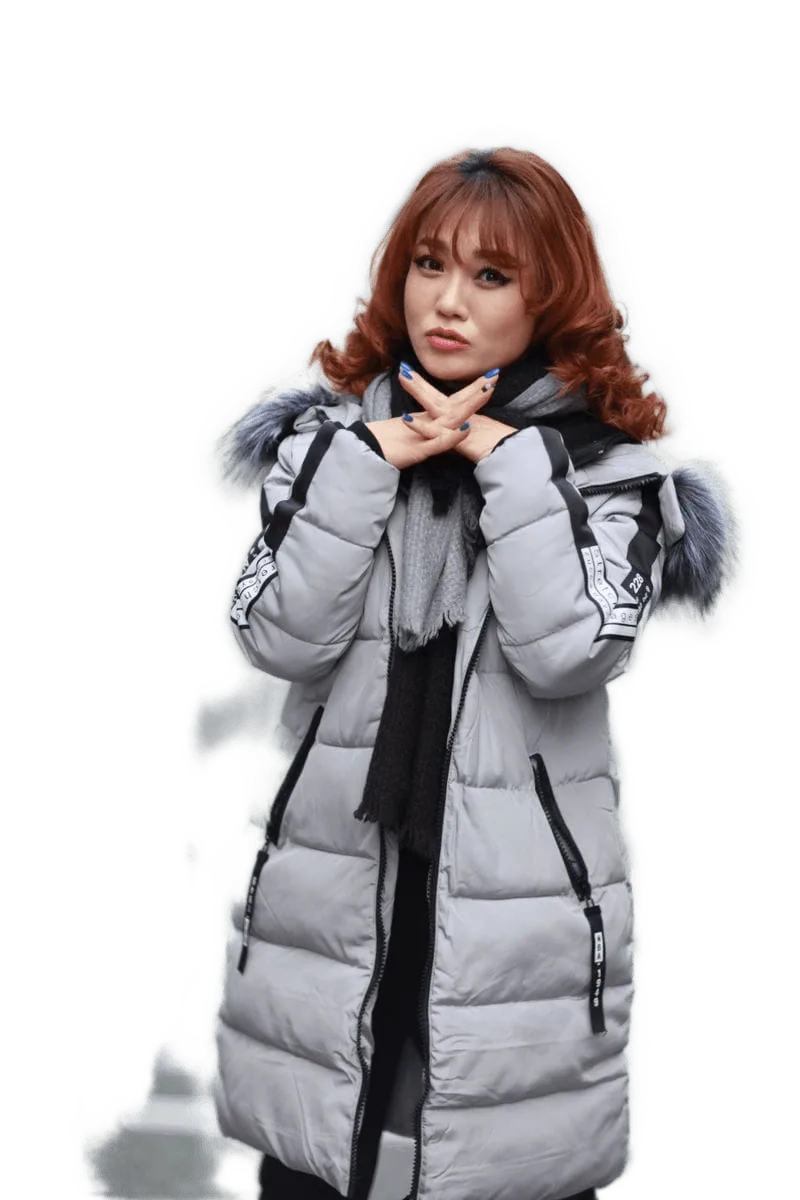
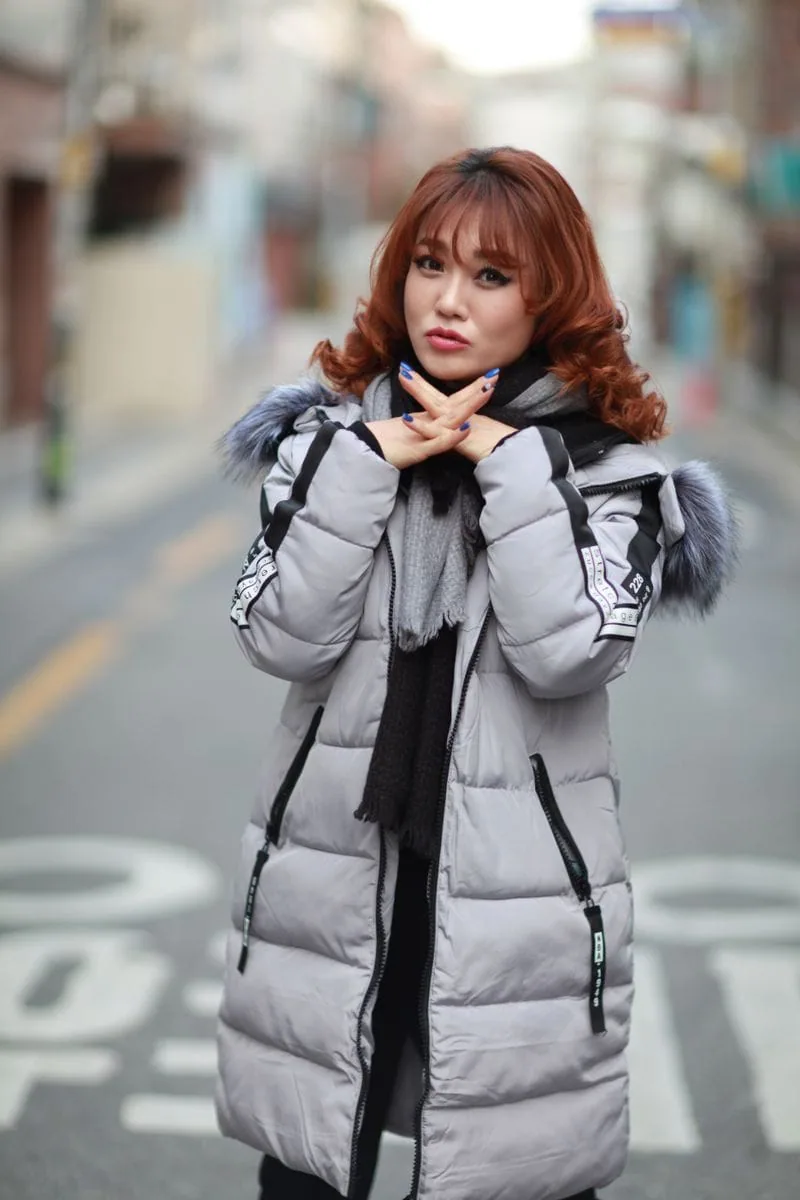
Real results from both engines
Transparent background maker: before and after
Drag across each picture to compare. The checkerboard shows where the PNG is transparent. The free cut-out runs one of two engines on your device, and both are shown here as they came out.
- BeforeAfter
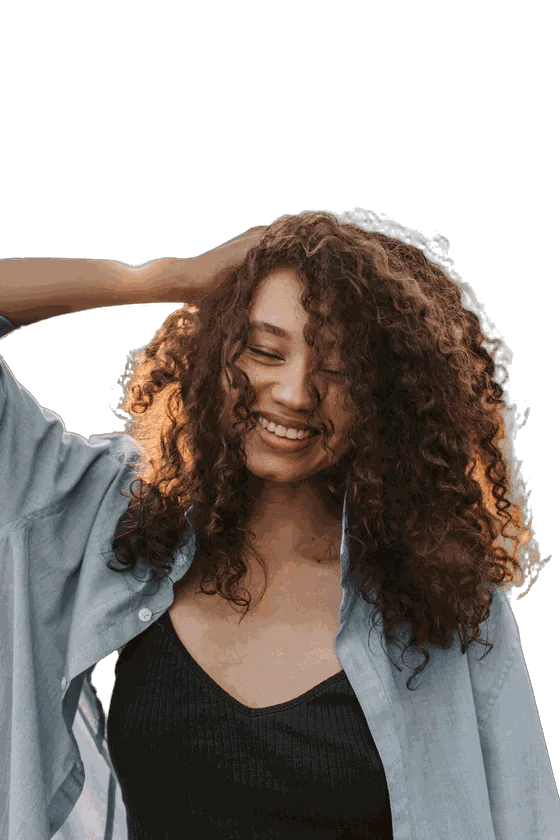
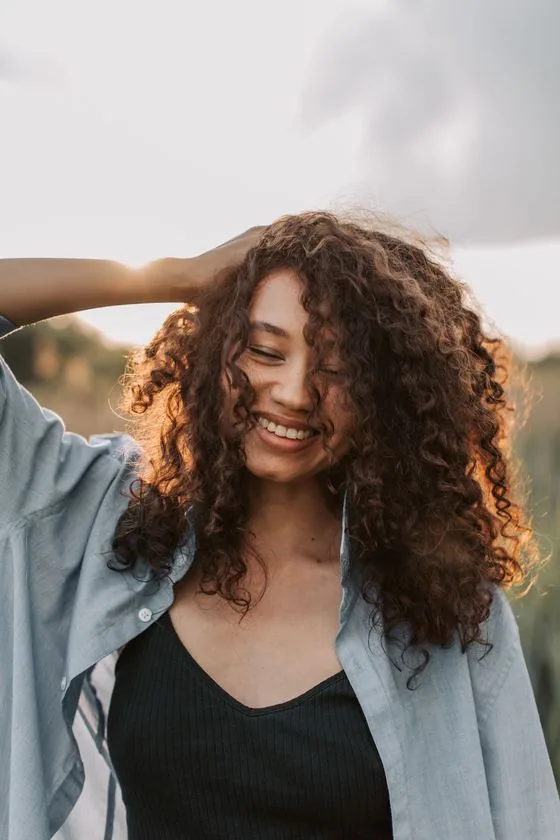
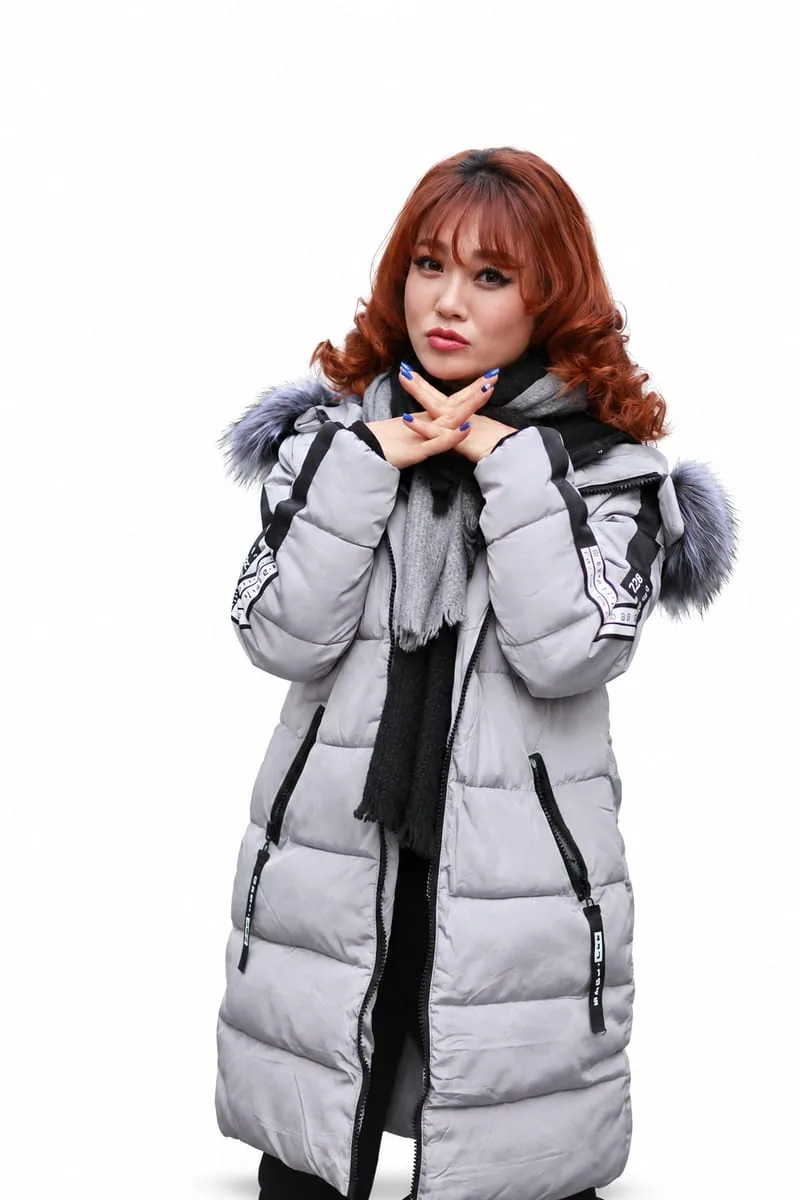
Cut out with BiRefNet lite, on WebGPU
On a device with WebGPU, the free tool runs BiRefNet lite, a heavier model that finds any subject and keeps fine edges: here the curls keep their shape and the background is fully gone. This example was made offline with the same model family.
- BeforeAfter
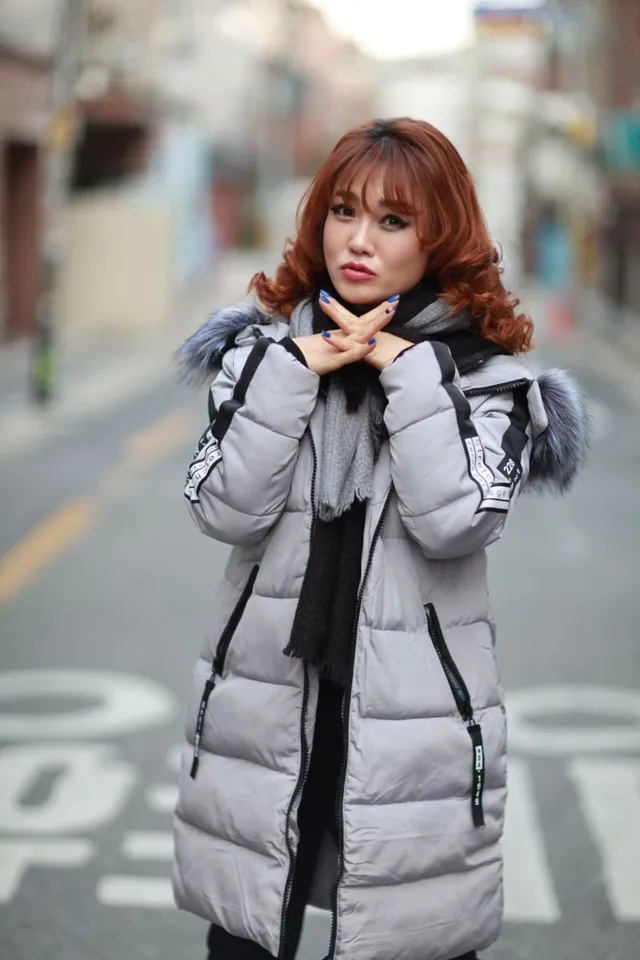
Cut out with MODNet, the engine on most devices
Most browsers do not have the GPU BiRefNet lite needs, so they run MODNet instead: smaller and faster, made for people, and its edges can be rough. This one came out as it is: a faint trace of the road at the bottom left, and hair edges to check. Free, but look before you use it.
- BeforeAfter
Products and pets: white or a color instead
MODNet only finds people, so a product or a pet cut out for free can lose parts. The AI White and Color modes are the cleaner road for them: one edit puts the subject on plain white or any solid color.
The portraits are stock photos from Pexels: "Portrait Photo Of Woman" by Vlada Karpovich (pexels.com/@vlada-karpovich) and "Portrait of a Woman in a City" by 거열 박 (pexels.com/@geoyul). The curly cut-out was made offline with BiRefNet lite (birefnet-general-lite); the street one is the free in-browser cut-out as it came out on MODNet. Neither was retouched; both are scaled to their photo's size for the slider.
No account, no upload
How the transparent background maker works
- 01
Upload a photo of a person
A JPG, PNG or WebP up to 10 MB: a portrait, a selfie or a group photo. A person who stands out clearly from what is behind them gives the cleanest edges.
- 02
Let the AI get ready
Your device runs one of two engines: BiRefNet lite (about 115 MB, any subject, fine edges) where the browser has WebGPU, or the small MODNet everywhere else. The first time, the engine is downloaded once and kept, so later cut-outs start sooner. Nothing is sent to us.
- 03
Press Remove background
The AI finds the person on your device and clears everything else. It is free and needs no sign-in.
- 04
Compare and download the PNG
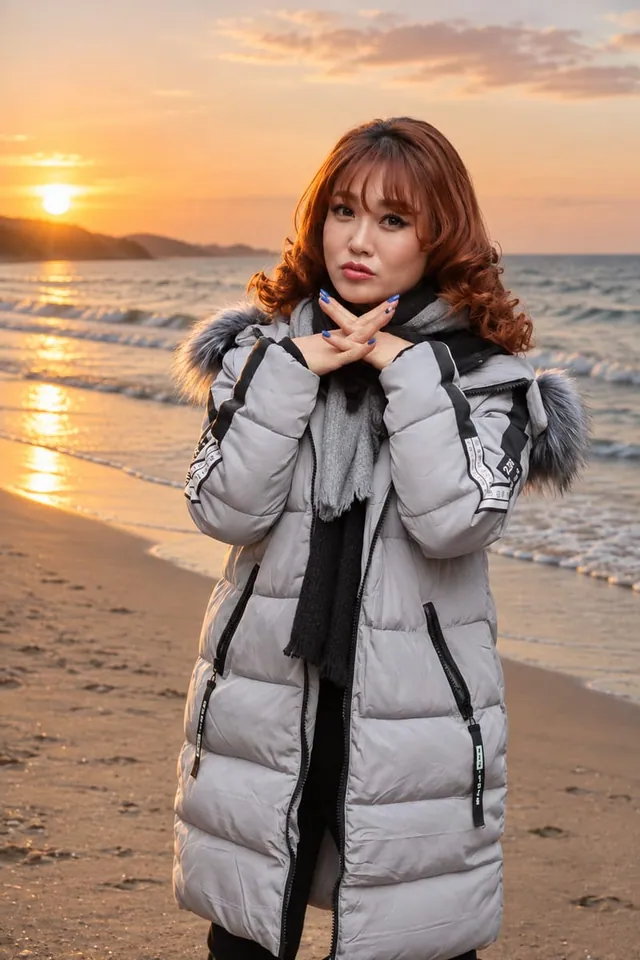
Drag across the result to check the edges, then download the transparent PNG at the size of your photo. Or put the person in a new scene with AI.
- Photo studio
- Marble tabletop
- Beach
- Modern office
- City street
- Forest
- Mountains
- Living room
- Café
- City at night
- Sunset sky
- Christmas
A person on nothing
Why people make the background of a photo transparent
A transparent PNG drops onto any color, picture or layout without a box around it. These are the jobs people make one for.
- 01
Thumbnails and covers
Put yourself in front of a bold color or a title on a video thumbnail, a podcast cover or a social post.
- 02
Slides and documents
Place a speaker or a team member on a slide, a one-pager or a flyer without the room they were photographed in.
- 03
Team pages and profiles
Give a team page the same look by cutting everyone out and setting them on one shared background.
- 04
Collages, stickers and cards
Combine people from different photos in one picture, or make a sticker or a card from a portrait.
- 05
A white background for a CV or a listing
When the photo needs plain white rather than nothing, AI puts the subject on white in one step.
- 06
A new scene behind the person
Instead of an empty background, describe a beach, an office or a city at night and AI builds it behind them.
For clean edges
Tips for a clean transparent background
- 01
Use it for people
The free cut-out is made for portraits and photos of people, on both engines. On a product or a pet, MODNet (the engine most devices run) can leave parts out, so use a white or solid color background in Color mode instead.
- 02
Start from a sharp photo
A person in focus, with hair and outlines clearly apart from what is behind them, gives cleaner edges than a blurry or dark photo, on either engine.
- 03
Check the edges on the checkerboard
Zoom into the hair, hands and the bottom of the photo. A faint trace of the old background can remain where it looks like the person, above all on MODNet.
- 04
A newer browser gets the better engine
BiRefNet lite needs WebGPU, which the latest Chrome, Edge and Firefox have on recent hardware; everything else runs MODNet. The cut-out runs on your device either way, so a newer computer or phone is faster and often cleaner.
Free for people, $0.50 for AI edits
Transparent background maker: free, AI edits from $0.50
Making the background of a portrait transparent is free, with no account. Changing the background with AI (a scene, white or a color) is one free edit for every account, then 125 credits, which is $0.50, from a one-time $5 pack of ten edits.
- Transparent PNGs of people: free, in your browser, no sign-in
- First AI edit free for every account, no card needed
- 125 credits ($0.50) for each AI edit after that
- $5 one-time for 1,250 credits: ten edits, no subscription
- Credits come back when an edit fails
Transparent background maker: questions and answers
How do I make the background of a photo transparent for free?
Upload a photo of a person, open Remove BG and press Remove background. The AI cuts the person out in your browser and you download a transparent PNG. It is free, needs no account and does not upload your photo.
Can I make the background transparent on a product or a pet photo?
The free cut-out is made for people, so on a product or a pet it can leave parts of the subject out. For those, a white or solid color background in Color mode is cleaner: your first AI edit is free, then $0.50 an edit.
Is my photo uploaded when I make the background transparent?
No. The AI runs on your device and the photo never leaves it. The first time, your browser downloads the AI model from Hugging Face and its code from jsDelivr, and keeps them for the next cut-outs.
What size is the PNG when I make the background transparent?
The PNG keeps the pixel size of your photo. Only very large photos, beyond what a browser can draw on one canvas, are scaled down to fit.
Which photos can I use to make the background transparent?
Any JPG, PNG or WebP up to 10 MB of a person: a portrait, a selfie or a group. Upload only photos you have the right to use.
Which AI runs when I make the background transparent?
One of two engines, chosen on your device: BiRefNet lite (about 115 MB, any subject, fine edges) where the browser has WebGPU with the features it needs, and the small MODNet everywhere else, which is most devices. MODNet is made for people, and its edges can be rough; the example above shows both as they came out.
Why does it take longer the first time I make a background transparent?
The first time, the browser downloads the engine your device runs (about 7 MB for MODNet, about 115 MB for BiRefNet lite) and gets it ready; the studio shows how far it has got. The model is kept in the browser, so later cut-outs start sooner.
What if part of the old background is still there?
A faint trace can remain where the background looks like the person, such as a road or a wall of the same color; the street example above keeps one at the bottom left. It is more common on MODNet, the engine most devices run. Try a sharper photo, a browser with WebGPU, or use Color mode to put the person on white or a solid color with AI.
Can I put the person on a new background after?
Yes. After the cut-out, press Now put it in a new scene, or choose Describe, Scenes or Color. These AI modes upload the photo to make the edit; your first AI edit is free.
Same studio, other jobs
More than a transparent background
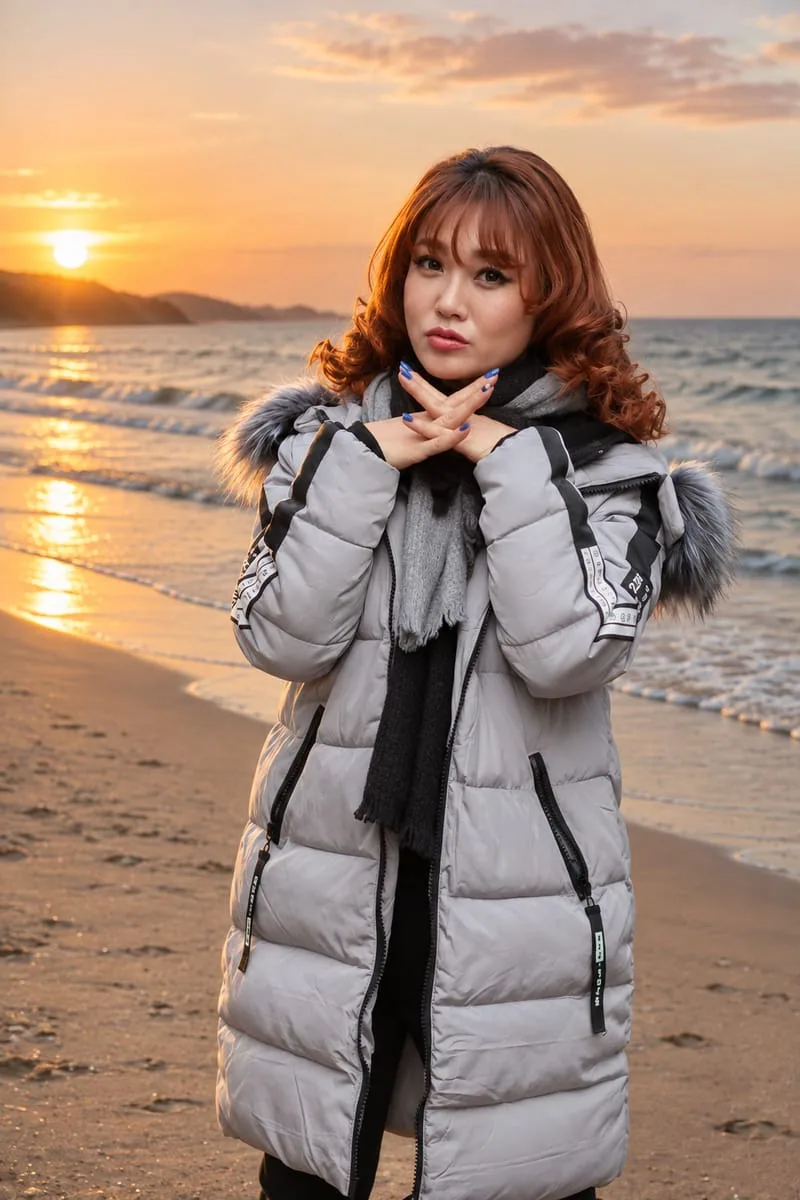 Photo background changerDescribe a new background, pick a scene or choose a color, and AI changes it while the subject stays.
- Make background whitePut a portrait or a product on pure white for a profile, a CV or a listing.
- Background color changerAny solid color behind the subject, the cleaner choice for products and pets.
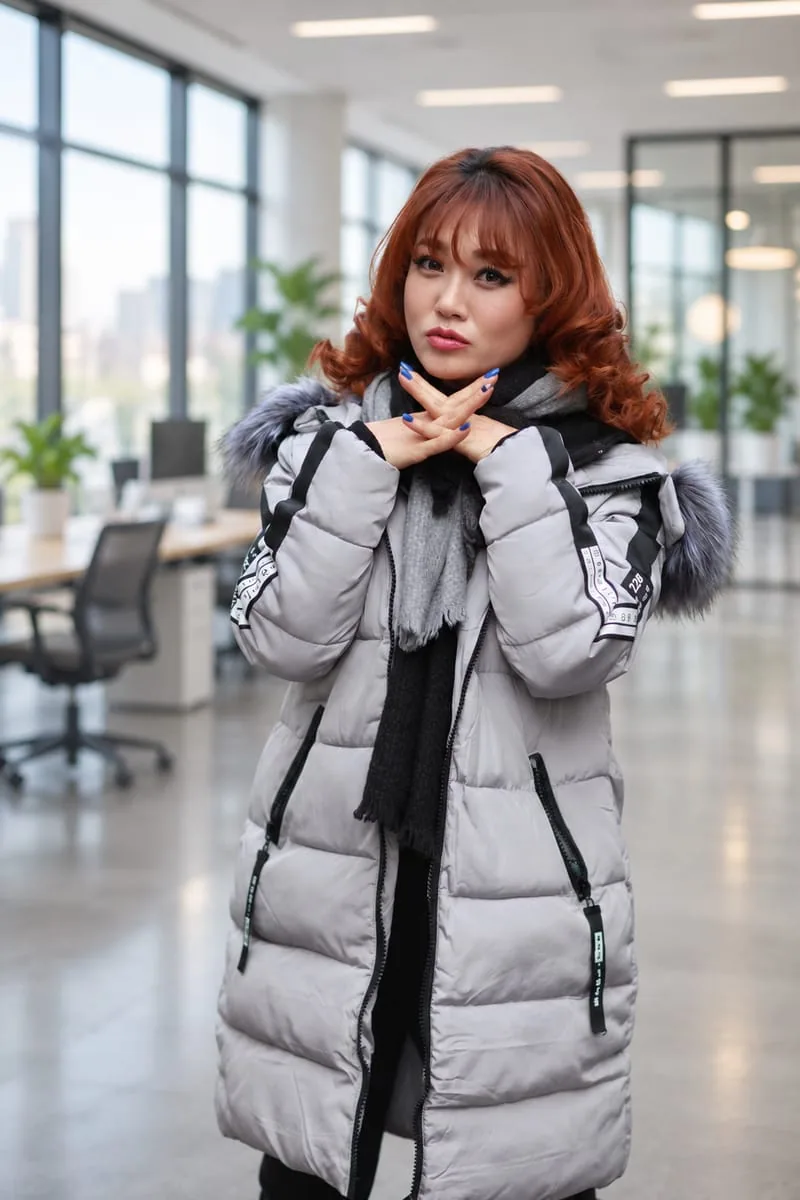 AI background generatorDescribe a place, or pick one of 12 scenes, and AI builds it behind your subject.